 Pixel app lock has finally arrived on Google phones, and it works the way Pixel owners have asked for it for years. Google released Android 17 QPR3 Beta 3 to eligible Pixel devices, from the Pixel 7 through the Pixel 11, adding native locking for individual apps behind a fingerprint or PIN. Until now, owners who wanted a messaging or banking app kept private had to install a third-party locker. That is no longer the only option for beta testers. The catch is the word beta. This is not the stable Android 17 release, and Google has not confirmed a date for the stable rollout.
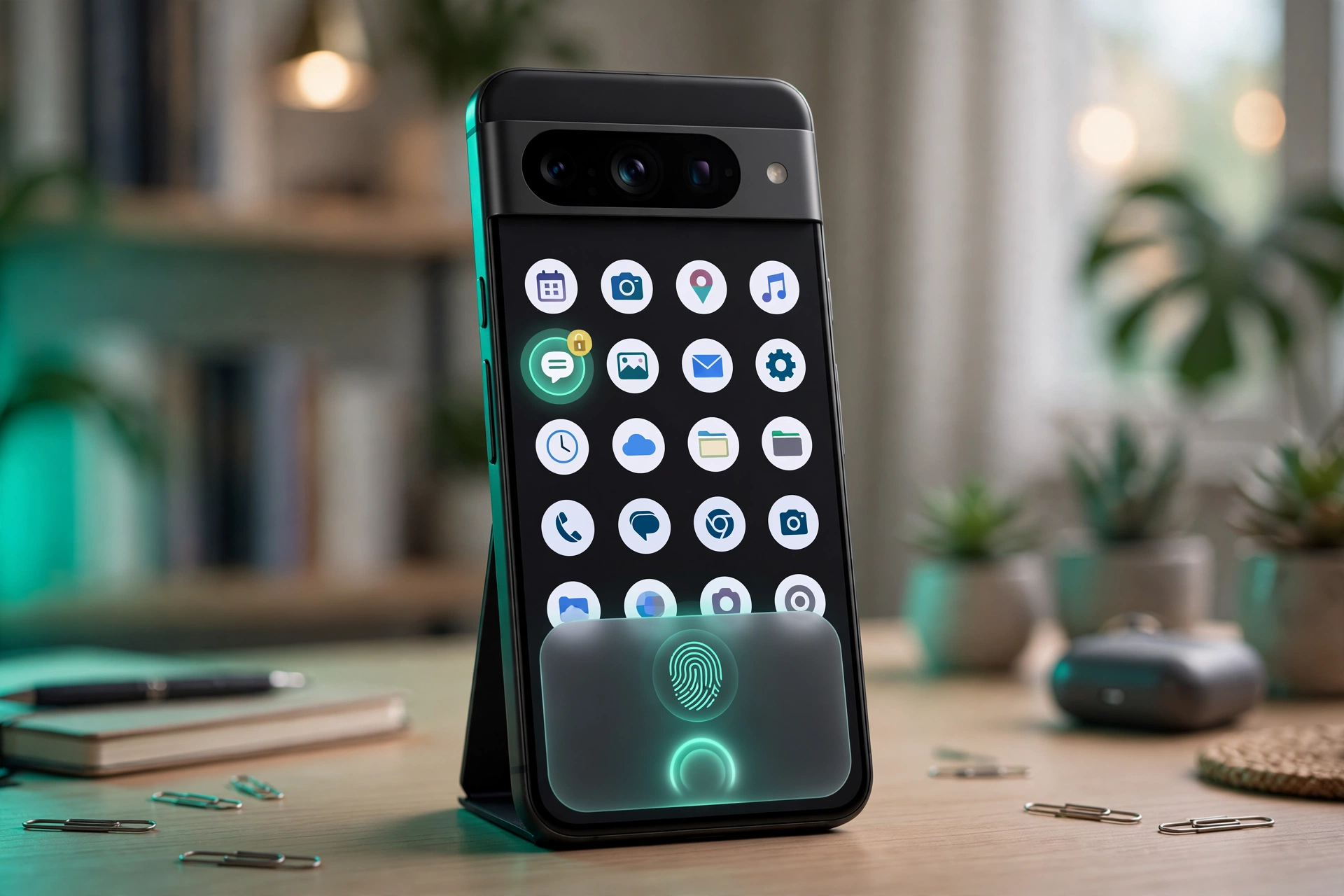
Setup is simple by design. Long-press an app icon, tap App Lock, read the short warning, confirm, and verify with the fingerprint or PIN already set on the phone. From then on, the app opens only after the same unlock check. Pixel app lock keeps setup short because Google reuses the credentials the phone already trusts.
The Short Version
- Android 17 QPR3 Beta 3 adds Pixel app lock to eligible Pixel phones, from Pixel 7 to Pixel 11.
- Long-press any app icon, choose App Lock, tap Add app lock, then verify with fingerprint or PIN.
- Locked apps hide notifications, and their widgets and shortcuts are removed.
- No separate PIN or fingerprint can be set for locked apps. Google uses the credentials already on the phone.
- The same beta also adds app bubbles, lock screen blur, a camera shortcut, an AM/PM indicator, and a screenshot button.
- App lock appeared in the QPR2 beta and was pulled back. Its return points toward the stable QPR3 update, but Google has not confirmed it yet.
Why This Beta Update Deserves Attention
Pixel phones have lagged behind rivals on this one feature. The iPhone, Samsung, Xiaomi, and OnePlus phones all offer native app locking. Pixel owners had no such option. PhoneArena reported that switchers from Xiaomi missed the locker most, and Reddit users called third-party lockers poor. Pixel app lock also has history. It appeared in the Android 17 QPR2 beta, then the product team pulled it back for changes. A feature that returns after a deliberate pause is usually one the company intends to ship, and PhoneArena reported its return points to a likely stable QPR3 release. That is a reasonable reading, not a promise.
How Pixel App Lock Works
Pixel app lock lives in the long-press menu that already holds shortcuts and app info. No new settings page, no separate app to open. That placement fits a feature aimed at one app at a time.
Setup has four steps. First, tap and hold the app icon you want to lock. Second, select App Lock from the menu. Third, read the pop-up explaining what happens once the app is locked. Fourth, tap Add app lock and verify with a fingerprint or PIN. After that, the app asks for the same fingerprint or PIN on every open.
One limit to understand
That simplicity has a flip side. If someone else knows your PIN or has a registered fingerprint on your phone, they can open your locked apps too. Pixel app lock protects the phone from people who do not share its unlock method. It adds no second layer of privacy to a phone that is already shared. PhoneArena did not describe how to remove a lock, so the removal steps are not yet confirmed.
What Changes Once Pixel App Lock Is On
The warning pop-up is the most honest part of the feature. Before the lock is added, Google tells the user exactly what will happen: notifications from that app will be hidden, and its widgets and shortcuts will be removed, because a locked app should not leak its contents through the notification shade or a home screen widget.
This matters most for messaging apps, where a lock on WhatsApp means little if a new message still appears as a preview on the lock screen. By hiding notifications, Pixel app lock closes the gap that would have made it feel cosmetic. The trade-off is that a locked app goes quiet until opened, so someone who locks a work chat or a banking app will not see new alerts until they unlock it.

App Bubbles and Lock Screen Blur Arrive in the Same Beta
App lock is the headline, but it is not the only change in Android 17 QPR3 Beta 3. The same update adds app bubbles. Long-press an app icon, choose Bubble, and the app opens in a cropped window above the rest of the screen. Several apps can sit in bubbles at once, and tapping a bubble switches it to full screen. The lock screen gets a quieter change too: its shortcut, fingerprint button, and notifications are now blurred. Google has not explained the reasoning. That fits the same privacy theme as Pixel app lock, but the purpose is interpretation, not a confirmed Google statement. Both are beta features, not stable Android 17 features.
The Smaller Changes in QPR3 Beta 3
Three smaller updates round out the beta. A new camera shortcut in quick settings gives Pixel owners another way to launch the camera. When an alarm is set in 12-hour format, the lock screen now shows the AM or PM suffix. The power menu, opened with power and volume up together, gains a new screenshot button. That button is the odd one out, since power and volume down together already take a screenshot. PhoneArena noted the same point.

Which Pixels Get Pixel App Lock, and What Comes Next
Android 17 QPR3 Beta 3 covers eligible Pixel devices from the Pixel 7 through the Pixel 11. Older Pixels and non-Pixel phones will not see it. Pixel app lock is a Pixel beta feature for now, not an Android-wide rollout. Enrollment runs through Google’s Android Beta Program.
The strongest signal for the stable release is history. Google tested it in the QPR2 beta, pulled it back for changes, and has now brought it back in QPR3 Beta 3. PhoneArena reported the return makes a stable QPR3 release look likely. That remains a reported expectation, not a confirmed date. Two details deserve attention before the stable QPR3 update: a separate PIN option, and removal as simple as setup.
Confirmed, Reported and Still Unknown
- Confirmed: Android 17 QPR3 Beta 3 adds Pixel app lock to Pixel 7 to Pixel 11 phones, per PhoneArena on October 30, 2026.
- Confirmed: locking an app hides its notifications and removes its widgets and shortcuts, and unlocking uses the fingerprint or PIN already on the phone.
- Reported: app lock appeared in the QPR2 beta, was pulled back, and its return suggests a likely stable QPR3 release.
- Unknown: how to remove a lock, whether a separate PIN option will come later, and the stable QPR3 date.

Quick Answers
What is Pixel app lock in Android 17?
Pixel app lock is a native Android 17 beta feature that locks individual apps behind the fingerprint or PIN already set on the phone. It arrived in QPR3 Beta 3 for Pixel 7 to Pixel 11, and it is not on stable Android 17 yet.
Which Pixel phones get app lock?
Eligible Pixel devices from the Pixel 7 through the Pixel 11 receive QPR3 Beta 3. Older Pixels and non-Pixel phones do not get it.
Can I set a different PIN for a locked app?
No. Google uses the fingerprint or PIN already configured on the phone, and a separate code is not supported in this beta.
When will app lock reach stable Android 17?
Google has not confirmed a date. Its return in QPR3 Beta 3 after being pulled from QPR2 points to a likely stable QPR3 release, but that is expectation, not confirmation.
The Takeaway
Pixel app lock is a small feature that fixes a long-standing gap. It locks the app, hides notifications, and removes the widgets that would have leaked the same information. The shared credential is the one real limitation, and it matters most on phones with a shared PIN. The beta label is the other limit: nothing here is stable yet, and the stable QPR3 release is unconfirmed.
Sources
- PhoneArena, Aman Kumar, Pixel 7 to Pixel 11 just received a massive iPhone-inspired upgrade in the latest Android 17 update, October 30, 2026.
- Google, Android Beta Program, official enrollment page for beta releases.
- Google, Android 17 developer documentation, official overview.