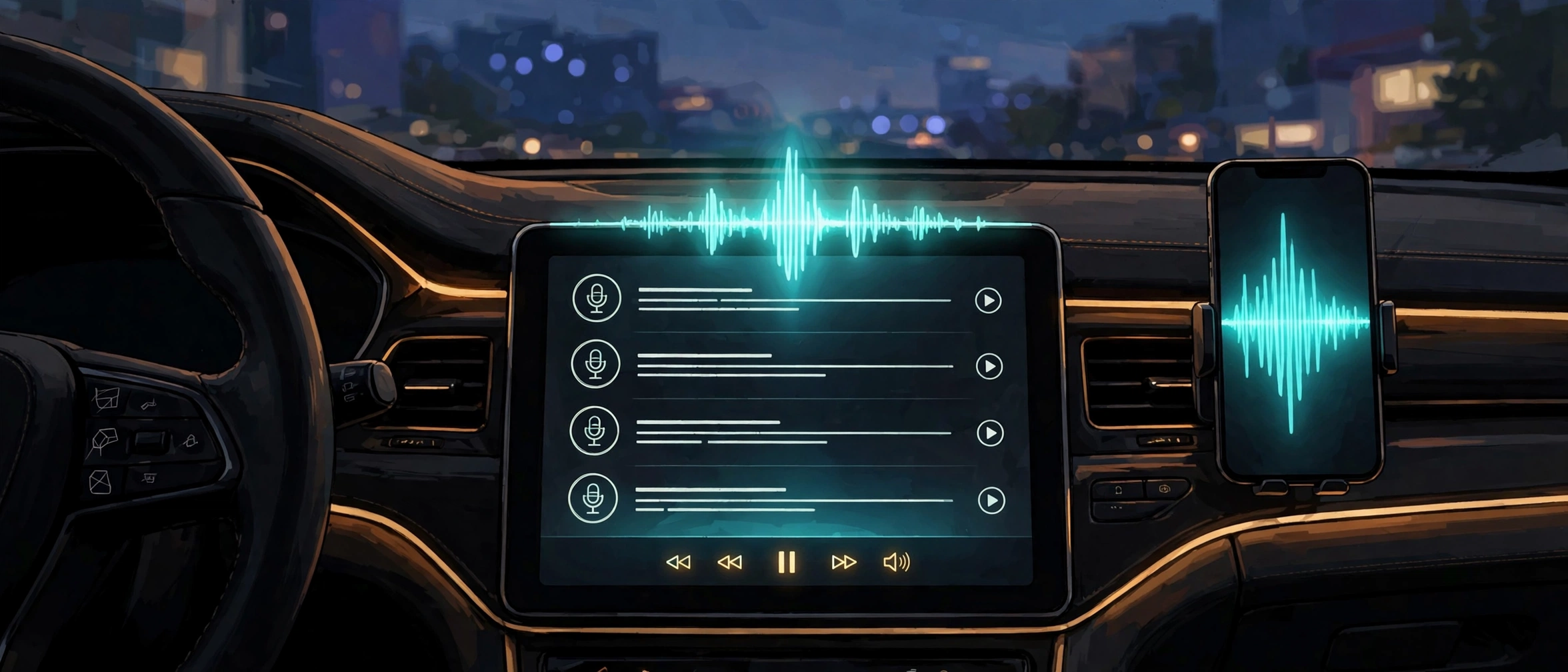
iOS 27.2 CarPlay brings two headline changes to the dashboard, plus one smaller visual change drivers will notice at once. Podcasts gets a clearer Home tab, and Siri AI gains memory and wider sources in the car.
CarPlay runs from the connected iPhone, so the update reaches the car when the phone updates. That link explains why phone software can change the dashboard without any change to the car itself. It also explains the main limit here. The Siri parts depend on the phone, its model, and where the driver lives.
This article covers only the CarPlay changes. The wider iOS 27.2 release is covered separately in the rollout post linked below. Readers who want the whole update should start there. Readers who drive with CarPlay will find the dashboard changes here.
The Short Version
- iOS 27.2 CarPlay replaces Up Next in Podcasts with New Episodes and Continue Playing.
- New Episodes holds new episodes. Continue Playing holds episodes already started.
- Siri AI can recall past conversations, including a recommendation given before.
- Siri AI draws on voicemails, Safari history, Reading List, Calendar attendees, and Messages photos.
- The Apple Music icon turns monochrome, white with a black note in light mode.
- Reddit users report APTV video playback no longer works. The report is unverified.
- Siri AI stays unavailable in the EU, and Siri AI needs iPhone 15 Pro or later.
Why You Should Care
Podcast listeners lose time to one small friction. A fresh episode arrives, an unfinished episode slips down the list, and the driver must hunt for the right one at a glance. Splitting new from unfinished removes one decision from a screen a driver should barely look at.
That is why the iOS 27.2 CarPlay Siri change matters too, in a different way. A voice assistant in a car works only when it can carry a conversation forward without forcing the driver to repeat context. More context can help, but it also reaches further into voicemails and message attachments, so drivers should know what Siri may read back.
iOS 27.2 CarPlay Podcasts: Two Rows Replace Up Next
Apple Podcasts in iOS 27.2 CarPlay adds New Episodes and Continue Playing to the Home tab, according to 9to5Mac. The change rethinks the Up Next queue rather than adding a playback feature. Engadget, reporting from the same 9to5Mac account, states that Up Next was removed and replaced with the two sections.
New Episodes contains only the latest episodes from favourite shows. Continue Playing sits just below it and holds episodes after playback has started. A driver looking for something new and a driver looking to finish something started no longer chase the same list. No new account, setting, or subscription was described.
That split is the whole point of the iOS 27.2 CarPlay change. Before the update, one queue had to serve both jobs, and a new episode could sit ahead of one already half heard. After the update, the unfinished episode has a fixed home.
The reporting covers the Home tab only. It does not describe a change to any queue inside Now Playing, so readers should not assume that part changed.
iOS 27.2 CarPlay Siri AI: Memory and Wider Sources
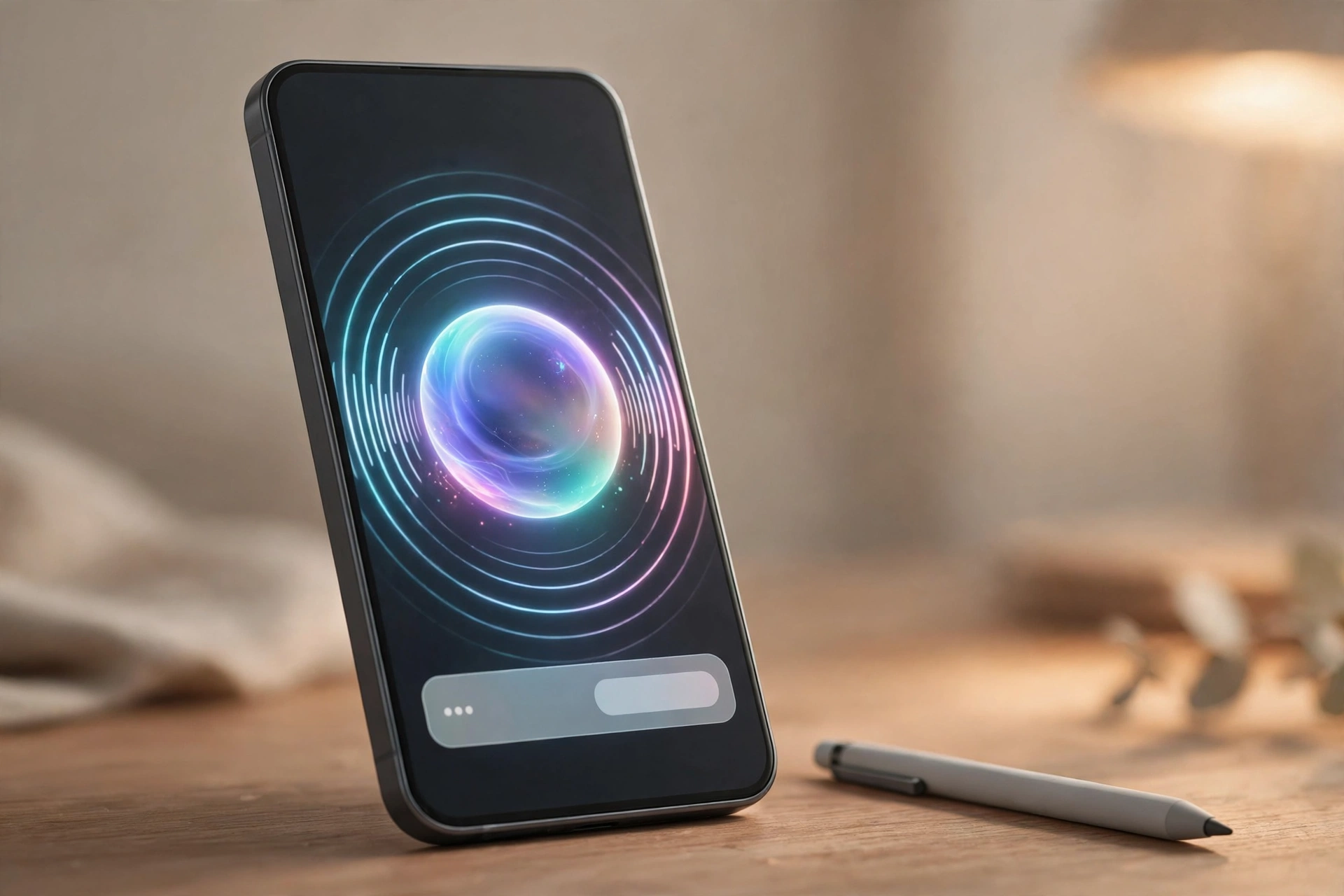
Siri AI brings two upgrades to iOS 27.2 CarPlay, according to 9to5Mac. The first is recall. Siri AI can recall past conversations, so a driver can ask about something Siri told them before. Apple release notes, quoted by 9to5Mac, give restaurants recommended last week as the example.
Engadget gives a similar example for iOS 27.2 CarPlay, a cafe recommendation from a chat last week that the driver could no longer find. The detail differs, but the capability is the same. Siri keeps the thread of an earlier conversation, and the driver can pick it up again by voice instead of scrolling through a phone.
The second upgrade is wider context. Siri AI can draw from more sources, per Apple release notes quoted by 9to5Mac. The listed sources are photos attached in Messages, Calendar event attendees, voicemails, and better results from Safari history and Reading List. Engadget reports the same five source types.
Each source answers a different question on the road, from a time in a voicemail to who attends a meeting.
Two limits need equal weight in iOS 27.2 CarPlay. Siri AI remains in beta in the wider rollout, so drivers should judge memory on daily use, not launch claims. Siri AI also remains unavailable in the EU, and rollout coverage limits Siri AI to iPhone 15 Pro and later. PetaTech24 did not test the update in a car, so questions about noisy cabins and how long Siri keeps a conversation stay open.
iOS 27.2 CarPlay: The Music Icon and the Video Report
The dashboard also gets a visual change in iOS 27.2 CarPlay. Apple has replaced the familiar red Apple Music icon with a monochrome design, according to Engadget. In light mode it is white with a black note. In dark mode the colours reverse.
9to5Mac treats the icon as a bonus item, not one of the two main improvements, and adds minor design tweaks inside the app. The icon relates to a wider Apple Music rebrand unveiled the week before, according to 9to5Mac. The app sits in the same place, but it no longer carries the red mark drivers learned to spot.
The video report needs a different label in iOS 27.2 CarPlay. Engadget reports that users on the CarPlay subreddit say APTV, an app for video on the car screen, no longer works after updating. Reddit reports are weak evidence. They cannot establish that the update caused the problem, how many drivers it affects, or whether the car system or the app is at fault.
No Apple statement was identified, and video on CarPlay was described in earlier Engadget coverage as parked only, switching to audio when driving starts.
Confirmed, Reported and Unknown
The evidence is not all the same strength in iOS 27.2 CarPlay. Podcasts and Siri rest on Apple release notes quoted by 9to5Mac and corroborated by Engadget. The Music icon rests on design reporting. The APTV item rests only on user reports.
What to Check Before You Drive
For iOS 27.2 CarPlay, update the iPhone first, then connect it and open Podcasts. New Episodes should sit above Continue Playing. If the layout looks unchanged, check that iOS 27.2 actually installed, and restart the CarPlay connection before assuming the feature is missing. Car systems vary, and a stale connection can hide a new layout.
Test Siri in iOS 27.2 CarPlay with a low risk question before relying on it on a busy road. Ask about a recommendation from an earlier conversation and listen for the right detail. While parked, also consider what Siri might read aloud, since it now reaches voicemails, message attachments, Calendar attendees, and Safari material. No CarPlay only privacy switch was described in the reporting reviewed here.
FAQ
What is new in iOS 27.2 CarPlay?
Podcasts splits its Home tab into New Episodes and Continue Playing, replacing Up Next. Siri AI gains recall and wider sources in the car. The Apple Music icon also turns monochrome.
Do I need a new car or a new iPhone for the Podcasts change?
No new car was described. The Podcasts layout in iOS 27.2 CarPlay arrives with the update on the connected phone. Siri AI is different. Rollout coverage limits it to iPhone 15 Pro and later, in beta, and outside the EU.
Is Siri AI available in the EU in the car?
No. Siri AI remains unavailable in the EU in iOS 27.2 CarPlay, according to rollout coverage. Drivers in the EU get the app changes, but should not expect Siri AI memory and context in the car until Apple gives a path forward and a date.
Did iOS 27.2 remove video playback from CarPlay?
That has not been confirmed. Some Reddit users report APTV no longer works after the update, but those are unverified reports with no Apple statement identified. Test video while parked if you use it, and wait for wider reporting before drawing a conclusion.
The Takeaway
The dashboard changes in iOS 27.2 CarPlay are small, useful, and uneven. Podcasts is easier to scan. Siri is more useful where it is available, and out of reach in the EU or on older iPhones. The Music icon is cosmetic, and the APTV report is unconfirmed.
Update for the Podcasts layout, and judge Siri on real drives rather than release note examples. Check the phone model and the region limit before the first long trip.
The Podcasts split fits the test for a good CarPlay change, one a driver barely notices. Siri memory will need more time on the road to earn the same verdict. Drivers who use APTV should test it while parked and treat the Reddit reports as unconfirmed.
Sources
- 9to5Mac, iOS 27.2 has two CarPlay improvements, here is what is new, October 27, 2026
- Engadget, iOS 27.2 brings two new features to Apple CarPlay, October 28, 2026
- PetaTech24, iOS 27.2: 5 Proven Siri AI Upgrades and Duo Pencil Support, October 28, 2026, rollout coverage, device limits, beta status, and EU unavailability
- Apple release notes, as quoted by 9to5Mac, Siri AI recall and wider sources in iOS 27.2