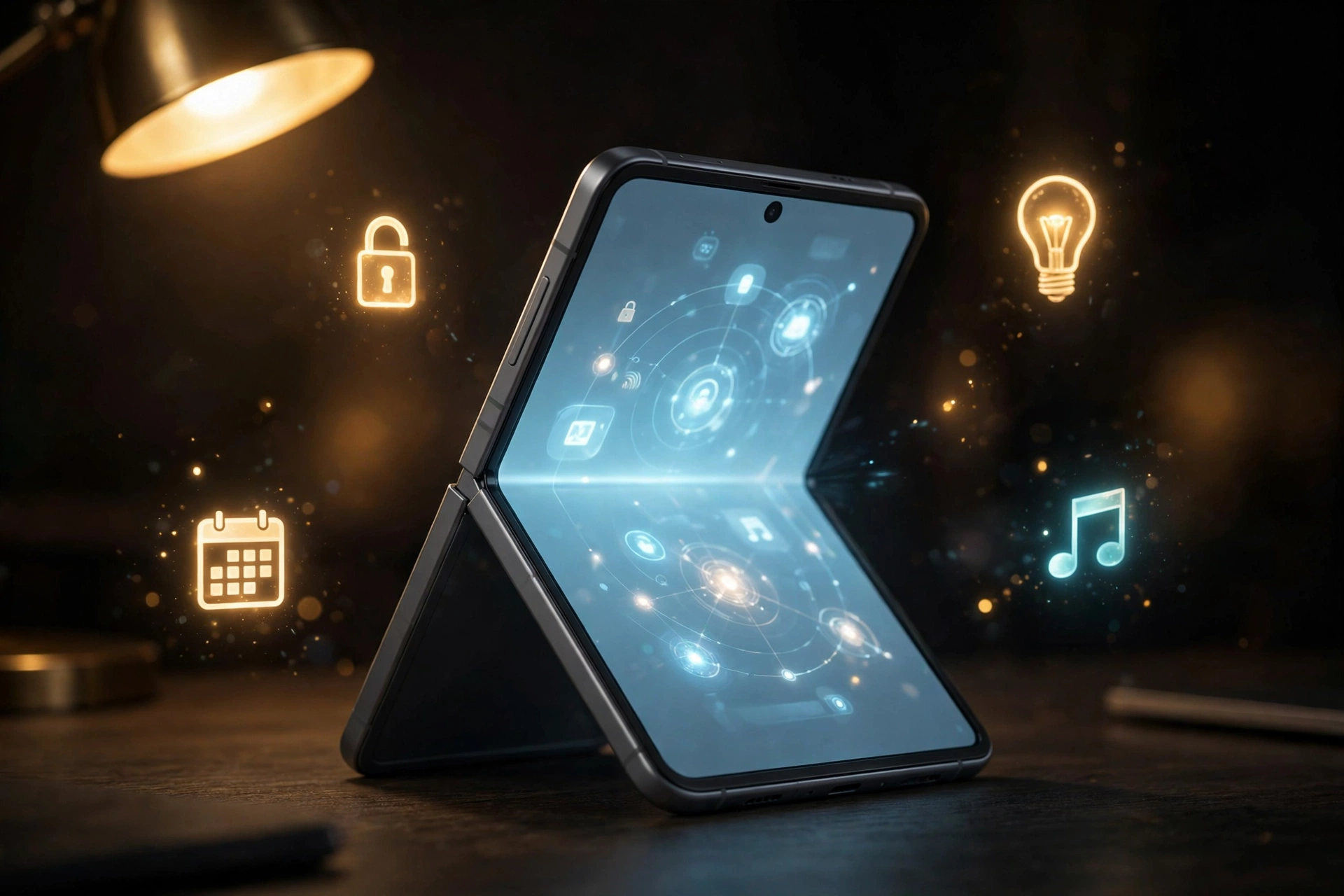
 The iPhone Duo shortcuts automation is the foldable’s most quietly useful trick so far. A new demo, described by 9to5Mac on October 26, 2026, shows Shortcuts running actions when the phone is opened or closed. That turns the hinge into a trigger, so unfolding can start your workday and folding can lock the device behind you.
The idea matters because Duo owners change the phone’s shape many times a day. Every open and close already carries intent: you open it to work, watch, or read, and you close it when done. The iPhone Duo shortcuts automation ties actions to that gesture, removing taps from routines you repeat anyway.
This article is based on 9to5Mac’s description of the demo and MacRumors’ follow-up report. PetaTech24 did not watch the video or test the automation, so nothing here is our own hands-on result. What follows separates what the reports show, what stays reported rather than confirmed, and which setups to try first.
The Short Version
- The iPhone Duo shortcuts automation uses a new trigger, called Opened or Closed, that runs actions when the Duo opens or closes.
- Stephen Robles showed the Open trigger launching a productivity app in the demo described by 9to5Mac.
- Robles confirmed in the thread that closing the phone can lock it automatically.
- The trigger sits under the Display automations category, MacRumors reports.
- Code sleuth pdfu first spotted the option in September in the Duo simulator.
iPhone Duo Shortcuts Automation: The Three Triggers
The iPhone Duo shortcuts automation rests on three choices. Pick Opened and the action runs when you unfold. Pick Closed and it runs when you fold shut. Pick Opened or Closed and it runs on either change, which suits toggles such as wallpaper swaps.
MacRumors reports the trigger is called Opened or Closed and lives under Display automations in Shortcuts, grouped with screen behavior rather than location or time triggers. The reports quote no Apple support page for it, so treat the name and category as reported by two outlets, not Apple documentation.
The feature did not appear from nowhere. Developer pdfu discovered the code in September 2026 in the Duo simulator, and the new video is the first time it has been seen running on a real device, according to 9to5Mac. TheMacPost adds that Apple did not present it on stage, leaving it for users to discover.
What the Demo Actually Shows
In the demo described by 9to5Mac, Robles uses the iPhone Duo shortcuts automation’s Open trigger to automatically open a productivity app when the Duo unfolds. That is deliberately practical: the large inner display is where work happens, so arriving with the right app open saves the first tap of a work session. It also shows the trigger working as a launcher, not just a setting toggle.
The more security minded use came in the discussion around the demo. Robles confirmed in the thread that the iPhone Duo shortcuts automation can lock the phone when you close it, per 9to5Mac. Closing already signals you are putting it away, so the fit is natural. MacRumors and TheMacPost also describe a lighter idea: swapping wallpaper on open and restoring it on close.
One more suggestion shows how owners think about the hinge. A commenter proposed the AOL Instant Messenger door sound, the chime that once announced a contact logging on or off. That is a joke suggestion, not a built-in feature. The serious ideas, locking and launching, carry the clear daily payoff.
iPhone Duo Shortcuts Automation: 5 Setups Worth Trying
This automation is only as good as its actions, so start with routines you already repeat. The first two setups are the ones the reports show or confirm. The rest are PetaTech24 suggestions built on ordinary Shortcuts actions, labelled as such.
1. Lock on close. This is the safest first automation, and Robles confirmed it works. Fold the phone and it locks behind you, removing the risk of an unlocked phone in a pocket or bag.
2. Open your work app on unfold. This is the setup Robles demonstrated. If your day starts with notes, mail, or a task list, opening straight into that app makes the big screen feel intentional at once.
3. Swap wallpapers with the hinge. Use the Opened or Closed trigger to change wallpaper on each change of state. This is a suggested use from the reports, and the best low stakes way to test the trigger before trusting it with anything important.
4. Silence the noise when you open to read. Pair the Open trigger with a focus mode for reading sessions. This is a PetaTech24 suggestion, not a demonstrated setup, so test it before relying on it at work.
5. Settle the house when you close for the night. Pair the Closed trigger with a smart home scene, such as dimming lights. This is also a PetaTech24 suggestion, for readers who already run Shortcuts with home devices.
Why the Hinge Changes the Rules
Foldables have always promised that shape is a feature, but usually the shape only changes screen size. The iPhone Duo shortcuts automation turns a physical action into an input. You do not tap a button or speak a command. You simply use the phone as designed, and the software responds.
Timing matters too. The Duo went on sale on October 23, 2026, priced at $1,999 in the US and €2,299 in Germany, and early owners are still learning what it does well. Small discoveries like this fill in the software story launch reviews could not finish.
A caution belongs next to the excitement. The hinge is now an input, so hinge health matters more than before. Early owner reports of screen damage near the fold, covered in our earlier reporting, remind us to treat the mechanism with care and keep AppleCare+ in mind. An automation firing on every fold is only pleasant if every fold stays smooth.
What to Watch Next
The next signals will come from owners, not from a launch event. Watch for owners sharing iPhone Duo shortcuts automation routines, and for Apple documentation naming the trigger. MacStories writer Federico Viticci has said he plans to brainstorm hinge automations, per MacRumors, and power users tend to find a feature’s edges fast.
Two questions deserve answers before anyone builds a routine on this trigger. First, does the iPhone Duo shortcuts automation ask for confirmation before running, or run silently? The reports do not say, and the answer decides whether lock on close feels instant or delayed. Second, does it stay Duo only? For now, we do not know.
Quick Answers
How do I find the hinge trigger?
According to MacRumors, open Shortcuts, create a new automation, and look under Display automations for Opened or Closed. PetaTech24 has not verified the exact steps, so these menu names come from the reports, not our testing.
Does the trigger work on other iPhones?
No evidence for that appears in the reports checked. Coverage describes the Duo only, and a slab phone has no hinge, so do not expect the same trigger on a conventional iPhone.
Will the automation ask before it runs?
The reports do not say. Whether the iPhone Duo shortcuts automation runs silently or asks first is unknown until owners report it or Apple documents it.
Is lock on close an official Apple feature?
Not as Apple has presented it. Robles confirmed that closing the phone can lock it, a creator confirmation, not an Apple announcement. Apple has not staged or documented the iPhone Duo shortcuts automation in the sources checked.
Should Duo owners set this up right away?
Start the iPhone Duo shortcuts automation with lock on close and one low stakes test, such as a wallpaper swap, before building anything important on it. That way you learn how reliably it fires without risking a work routine.
The Takeaway
The hinge trigger is small, but it points at something larger: the Duo works best when its shape does work, not just when it shows a bigger screen. Lock on close is the setup to try first, confirmed by its demonstrator, solving a real pocket problem. Open to a work app is second, because it was actually shown running.
The honest limit stays attached. Apple has not announced this feature, PetaTech24 has not tested it, and confirmation behavior and wider availability remain unanswered. Within those limits, the iPhone Duo shortcuts automation is one of the most useful Duo discoveries since launch, and it costs nothing to try. Set up one automation and fold the phone.
Sources
- 9to5Mac, Watch the iPhone Duo run a Shortcuts automation when it is opened or closed, October 26, 2026.
- MacRumors, iPhone Duo Can Run Automations When You Open or Close It, October 25, 2026.
- TheMacPost, iPhone Duo’s open-or-closed hinge can trigger Shortcuts, October 26, 2026.