
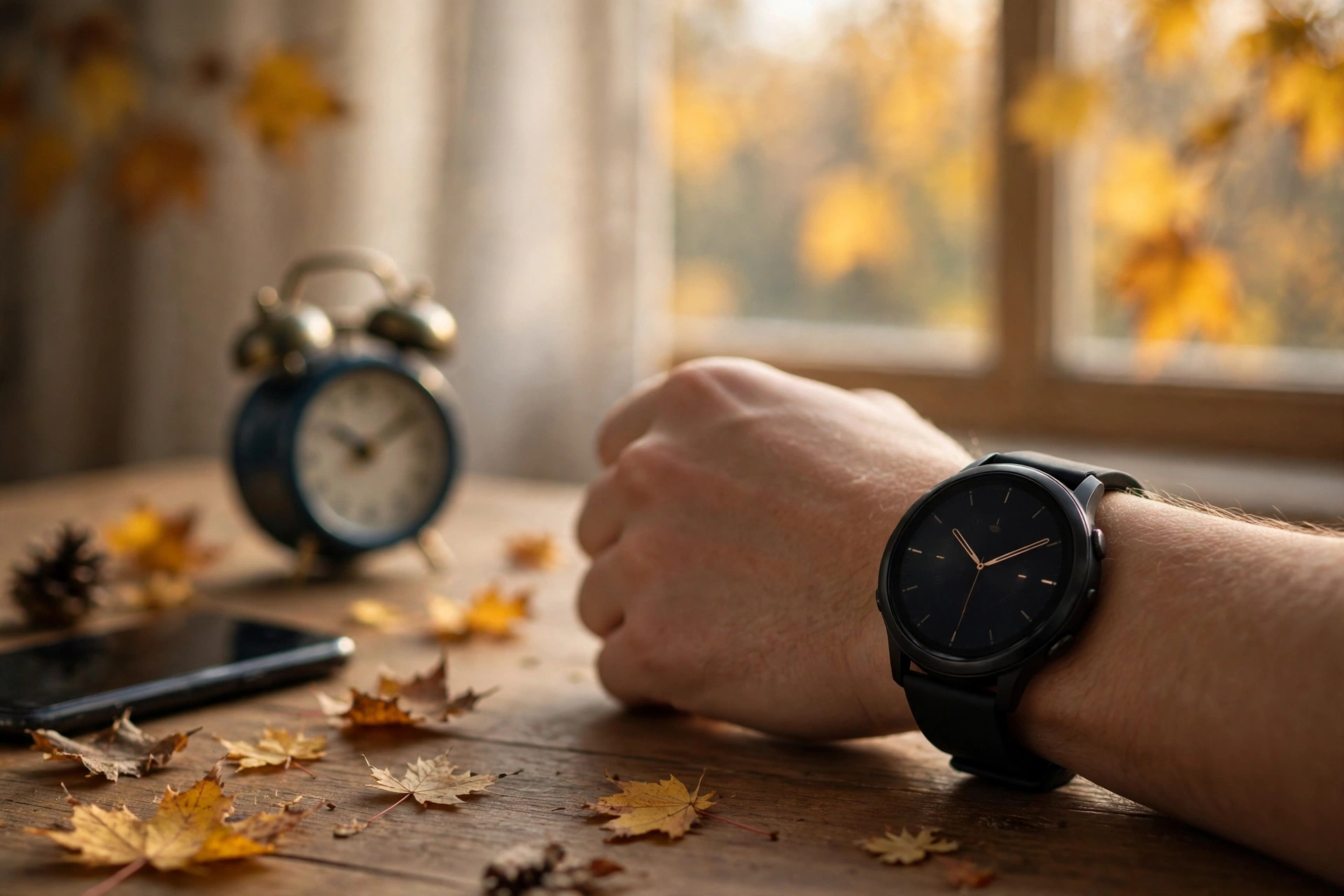
Apple published a support document on October 30, 2026, with two quick workarounds for a dimmed display that keeps showing the old hour. The watch knows the right time, and the fix takes seconds.
Apple has published official steps to fix the Apple Watch DST bug that leaves the dimmed Always On display an hour off after the clocks change. The support document, dated October 30, 2026, arrived just before clocks went back across most of the United States on Sunday, November 1. The fix takes seconds, and the watch corrects itself by midnight.
The glitch is narrow but confusing. Only the dimmed display with your wrist down shows the wrong hour. Raise your wrist or tap the screen and the correct time appears. Apple says alarms are not affected, so the morning alarm still goes off at the right time.
MacRumors reported the support document on November 1, hours after the US clock change. The same problem had already shown up in Europe, where clocks went back on October 25. Apple has not named the models or software versions affected, and the document offers workarounds rather than a software update.
The Short Version
- What happened: After a daylight saving time change, the Apple Watch Always On display can stay one hour off while your wrist is down.
- What is not broken: The watch keeps the correct time. Wake the display and the right hour appears, and Apple says alarms are not affected.
- Fix 1: Switch to any other watch face, then switch back to your usual face.
- Fix 2: Restart your Apple Watch.
- Do nothing: The issue resolves itself at midnight following the time change, according to Apple.
- What Apple has not said: Which models or watchOS versions are affected, or whether a future update will remove the bug for good.
What the Apple Watch DST Bug Actually Does
The Always On display is the dimmed watch face you see when your wrist is down. It brightens fully when you raise your wrist or tap the screen. After the clocks went back, that dimmed version kept showing the old hour on some watches, even though the watch itself had the right time.
That split is what makes the Apple Watch DST bug so easy to misread. A glance at a lowered wrist shows one hour, while a raised wrist shows another. Only the dimmed face is stale, and anyone who checks the time with a glance can be misled all day. The first reports came from Europe, where clocks went back on October 25 and MacRumors reported that owners saw the same mismatch. A week later, clocks went back across most of the United States on November 1, at 2 a.m. local time.
The Apple Watch DST Bug Fix, Step by Step
Apple lists two fixes, and either one should bring the dimmed display back to the right hour. The face swap is quicker, so try it first. A restart is the fallback if the swap does not take.
- Switch watch faces: Swipe left or right to move to any other face, or press and hold the face and pick another one. Then switch straight back to your usual face.
- Restart the watch: Hold the side button, tap the power icon, and drag the Power Off slider. Once the screen goes dark, hold the side button again until the Apple logo appears.
A third option is to do nothing. Apple says the issue will resolve itself at midnight following the time change, so the wrong hour disappears overnight.
Apple Watch DST Bug: What Still Works
The most useful line in Apple’s document is the reassurance about alarms. Apple says features like alarms are not affected, so the alarm you set for Monday morning rings at the right time. A missed alarm has real consequences, and a wrong glance does not.
The same logic covers the rest of the watch. The active display shows the correct hour the moment you raise your wrist or tap the screen, so every deliberate check gives the right answer. Only a passive glance at the dimmed face can mislead you, so wake the display before trusting the hour. Do not set the clock by hand: the active face is already correct, so a manual change would break alarms and timers too.

How the Apple Watch DST Bug Unfolded
Europe changed first, the reports followed, and Apple had its document ready before the United States changed a week later.
Confirmed, Reported and Still Unknown
- Confirmed: The dimmed Always On display can show the wrong hour after a daylight saving time change, while the woken display shows the correct hour. Apple confirms both fixes, the midnight self-correction, and that alarms are not affected.
- Reported: MacRumors reported that owners in the United Kingdom and central Europe saw the Apple Watch DST bug after clocks went back there on October 25, a week before the US change.
- Still unknown: Apple has not said which models or software versions are affected, what causes the dimmed face to miss the change, or whether a future update will fix it permanently. The document only advises keeping the watch updated.

What to Watch Next
The next test comes in spring. Clocks go forward again in the United States on March 14, 2027, and in Europe on March 28, 2027. If the Apple Watch DST bug returns then, owners will know it is a recurring clock-change problem, and the same two fixes should apply. Watch, too, for a software update that mentions the issue. Apple’s only forward-looking advice is to keep the watch updated, which is standard guidance, not a promise of a permanent fix.
Quick Answers
What is the Apple Watch DST bug?
It is a glitch where the dimmed Always On display keeps showing the old hour after the clocks change, while the woken display shows the correct time. Apple documented it on October 30, 2026, and it corrects itself by midnight.
How do I fix the Apple Watch DST bug?
Switch to any other watch face and then back to your usual face, or restart the watch. Either fix should clear the wrong hour. If you do nothing, it resolves itself at midnight following the time change.
Do my alarms still work with the Apple Watch DST bug?
Yes. Apple says features like alarms are not affected, so alarms ring at the correct time even while the dimmed face shows the wrong hour.
How long does the Apple Watch DST bug last?
At most until midnight after the clock change, according to Apple. The face swap takes seconds and a restart takes about a minute.

The Takeaway
The Apple Watch DST bug is a small problem with a short fix. The dimmed display shows the wrong hour, the woken display shows the right one, and alarms are unaffected. Swap the watch face and swap it back, or restart the watch. Do nothing and midnight does the same job. Apple has offered no permanent cure or list of affected models, so repeat the check when the clocks go forward in March 2027.
Sources / Attribution
- Apple Support – If your Apple Watch shows the wrong time after daylight saving time changes, October 30, 2026.
- MacRumors – Apple Offers Steps to Fix Daylight Saving Time Bug on Apple Watch, November 1, 2026, by Tim Hardwick.
- AndroidPure – Apple Watch Showing the Wrong Time After DST? Apple Lists Two Fixes, November 1, 2026.