
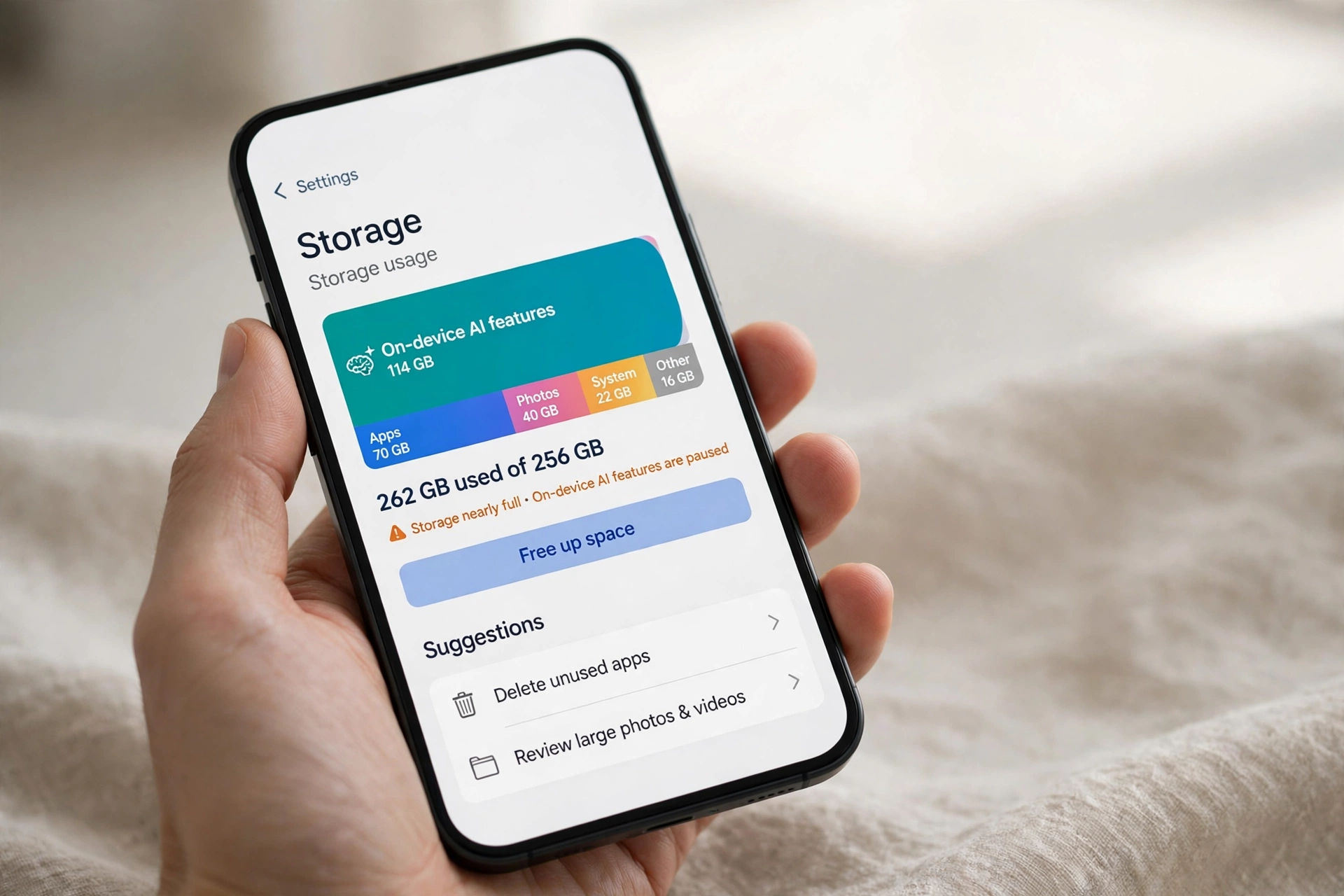
Some iPhone owners updated to iOS 27 and lost around 15GB to Apple Intelligence. A Reddit workaround brings it down to about 100MB.
iOS 27 Apple Intelligence storage is the surprise cost of Apple’s biggest AI update yet. Users who installed iOS 27 report that Apple Intelligence claimed around 15GB of internal storage, and the exact amount varies from phone to phone.
GSMArena reported the iOS 27 Apple Intelligence storage problem on November 1, 2026, after reports spread on Reddit. Some users see 16GB marked as inaccessible, others as little as 9GB. The space does not come back when you switch the feature off.
There is a workaround, and GSMArena tested it. Changing Siri to an English variant that Apple Intelligence does not support shrinks the footprint to around 100MB. The steps take about a minute.
The Short Version
- What happened: After updating to iOS 27, users report iOS 27 Apple Intelligence storage taking around 15GB.
- How much: Reports range from about 9GB to about 16GB, with 15GB the most common figure.
- Who is hit hardest: Owners of 128GB iPhones, where iOS, AI and reserved update space take about 30%.
- What does not help: Turning off Apple Intelligence or Siri does not restore the space, according to user reports.
- The workaround: Switch Siri to Canadian, Irish, South African or New Zealand English. GSMArena tested South African English.
- What Apple has said: Apple has not confirmed a cause, and no official fix has been announced.
iOS 27 Apple Intelligence storage: What Users Are Reporting
iOS 27 arrived on September 14, 2026 as a free update, with Apple Intelligence as its headline feature. The new Siri and wider AI tools were meant to close the gap with rivals. Instead, the first reports told a different story.
Users on Reddit say Apple Intelligence took around 15GB after they updated. GSMArena picked up the reports on November 1, 2026. The amount is not fixed: some phones show 16GB gone, others as little as 9GB.
That range matters. A 15GB loss on a 512GB iPhone is an annoyance. On a 128GB iPhone it is nearly 12% of the total storage, gone to a feature the owner may not even use. Some 128GB units see about 30% taken by iOS, AI and reserved update space.
iOS 27 Apple Intelligence storage in Regions Without Apple Intelligence
Apple Intelligence is not available everywhere. In the European Union, iPhone owners cannot use it, yet GSMArena reports that EU owners still found a good chunk of their storage missing after the update.
That is the most frustrating part. Owners lose storage to a feature they cannot switch on, let alone use, and nothing in the reports explains why the download lands on blocked devices.
Apple has not confirmed a cause. No statement explains whether the storage holds models, cached data or something else. Until Apple speaks, this stays a user-reported problem with an unknown cause.
One more detail is worth noting. Apple has started pushing more aggressive ads for its iCloud storage service. GSMArena presents that as a coincidence, and so does this article.

What Does Not Work
The obvious fix fails first. Users report that disabling Apple Intelligence does not restore the space, and turning off Siri does not help either. The iOS 27 Apple Intelligence storage stays allocated.
Changing the region of an Apple Account is another idea circulating online, and GSMArena advises against it. Migrating a region may require cancelling subscriptions or using up the remaining balance first.
iOS 27 Apple Intelligence storage: The Siri Language Workaround
The workaround Reddit users shared turns on a language rule. Apple Intelligence and the new Siri only work when the device and Siri languages are set to US or UK English. Pick a different English variant for Siri, and the AI features stop loading.
Users report four variants that work: Canadian, Irish, South African and New Zealand English. GSMArena tried South African English, and the issue cleared after a reboot. iOS 27 Apple Intelligence storage fell to around 100MB, roughly a 150-fold drop from 15GB.
It is not an official Apple fix. Apple has not published these steps or endorsed them. It is a user workaround one reputable outlet tested on its own device.
The Trade-Off You Accept
Switching Siri to an unsupported English variant has a real cost. Apple Intelligence and the new Siri AI features need US or UK English, so they stop working.
That trade is easy for owners who never wanted the AI features, and a poor deal for owners who use them daily. There is no middle ground in the reports so far.
One more caution applies. The workaround cuts iOS 27 Apple Intelligence storage to around 100MB, it does not remove it entirely. A small footprint remains, and future updates may change the behaviour again.
Reported, Confirmed, and Still Unknown
- Reported: Apple Intelligence takes around 15GB after the iOS 27 update, with reports from about 9GB to about 16GB.
- Reported: EU iPhone owners lose storage even though Apple Intelligence is not available in their region.
- Reported: Turning off Apple Intelligence or Siri does not restore the space.
- Confirmed by testing: GSMArena tried South African English for Siri and the issue cleared after a reboot, leaving Apple Intelligence at around 100MB.
- Confirmed by Apple: Siri AI is available in English to start and will not be initially available in the EU on iOS, per Apple’s footnotes reported by The Mac Observer.
- Unknown: What causes the large storage allocation, and whether Apple plans a fix in a coming update.
- Unknown: Whether the workaround keeps working after future updates.
What to Watch Next
The next iOS 27 updates are the obvious place to look. A storage fix would most likely arrive quietly in one of them, and an Apple statement would settle what the 15GB actually holds. PetaTech24 will check the release notes when each update lands.
Owners on 128GB iPhones have the most at stake. Check Settings, then General, then iPhone Storage, and see what iOS 27 Apple Intelligence storage holds on your phone.

Quick Answers
How much storage does iOS 27 Apple Intelligence storage take?
Most reports put iOS 27 Apple Intelligence storage at around 15GB, with the range running from about 9GB to about 16GB.
Does turning off Apple Intelligence free the space?
No, according to user reports. Disabling Apple Intelligence or Siri does not restore the space.
How do I get the storage back?
Change Siri’s language to Canadian, Irish, South African or New Zealand English, then restart the iPhone. GSMArena tested South African English and iOS 27 Apple Intelligence storage fell to around 100MB.
Will I lose Siri if I change its language?
No. Siri keeps working in English. Only the AI features stop, because they need US or UK English.
Is every iPhone affected?
No. Apple Intelligence needs an iPhone 15 Pro or later, so older models do not carry it. The impact is worst on 128GB models, where iOS, AI and reserved update space take about 30% of the phone.

The Takeaway
iOS 27 Apple Intelligence storage takes around 15GB on affected iPhones, and switching the feature off does not give it back.
The Siri language workaround is real, tested and fast. Switch Siri to an unsupported English variant, restart, and iOS 27 Apple Intelligence storage falls to about 100MB. The price is the AI features themselves.
Do not change your Apple Account region to chase the space. The cost in subscriptions and balance is too high for an unproven idea. Check your storage first, then weigh the trade.
Sources
- GSMArena, Here is how to reclaim 15GB of storage after iOS 27 update, November 1, 2026. User reports via Reddit, the 9GB to 16GB range, the EU reports, the 128GB impact, the Siri language workaround and the iCloud storage ads.
- The Mac Observer, Apple Intelligence Covers 16 Languages, and Nine Features Work Only in English, September 12, 2026. Siri AI in English to start, not initially available in the EU on iOS, and iOS 27 shipping on September 14, 2026.