iOS 27.2 New Features: Dual Capture, Podcasts and TV Profiles Arrive Next Week
The iOS 27.2 new features arrive next week, and they are worth the wait. Apple is preparing its next major iPhone update for all users, and it brings three changes you will notice on day one: Dual Capture for Group FaceTime, a rebuilt Podcasts queue, and user profiles in the Apple TV app. None of them needs new hardware, and none of them hides behind a settings maze.
Timing is part of the story. iOS 27.1 launched as an update exclusive to the iPhone Duo, so most owners never saw it. Everyone else jumps straight from iOS 27.0.1 to iOS 27.2, which spent the last month in beta testing. If your iPhone shows 27.0.1 as the latest version, you have missed nothing.
Apple has not announced an exact day, but reporting from 9to5Mac puts the release next week. The three features below are the ones to try first, because each one changes something you already do: video calls, podcast listening, and watching TV on your phone.
The Short Version
- The iOS 27.2 new features land next week for all iPhones, except the Duo, which already has iOS 27.1.
- Dual Capture, which shows front and rear camera views at once, now works in Group FaceTime, not just one-on-one calls.
- Podcasts splits the old Up Next queue into New Episodes and a new Continue Playing hub.
- The Apple TV app on iPhone gains user profiles for the first time, including child profiles that show only age-appropriate content.
- No new hardware is needed, and the TV profile screen can be switched off entirely.
◆ FEATURE GUIDE
PETATECH24 · SOFTWARE DESK
The Update Ledger
THREE CHANGES, THREE DAILY HABITS
What is new, and who feels it first
| FEATURE | WHAT CHANGES | WHO BENEFITS |
|---|---|---|
| Dual Capture | Front and rear live together in group calls | Families, creators, tour guides |
| Podcasts queue | Up Next becomes New Episodes plus Continue Playing | Daily listeners, multi-show fans |
| TV profiles | Per-viewer picks, child-safe view on iPhone | Shared iPhones, parents |
* All three ship with iOS 27.2, expected next week.
◆ END OF REPORT ◆
iOS 27.2 New Features: Dual Capture Comes to Group FaceTime
Among the iOS 27.2 new features, Dual Capture is the one you will feel on your very next group call. FaceTime gained Dual Capture in iOS 27, letting you show both camera views at the same time. Tap the Flip button and the rear camera goes live while the front camera stays on, so the person you are talking to sees you and what you are looking at.
Until now, that trick only worked in one-on-one calls. With iOS 27.2, Dual Capture comes to Group FaceTime as well, where showing something matters most: a birthday room, a new apartment, a sideline at a game. One person narrates while everyone else sees the scene.
On compatible iPhone models, it needs nothing new from you: start a Group FaceTime call, tap Flip, and both views go live.
Podcasts Splits Up Next Into Two Clear Sections
The second of the iOS 27.2 new features fixes one of the most complained-about corners of Apple Podcasts. The old Up Next queue sat at the top of the Home tab and tried to do two jobs at once, surfacing new episodes and reminding you where you left off, and the result felt cluttered and confusing.
In iOS 27.2, Up Next is gone, replaced by two sections. New Episodes holds the latest releases for shows you follow, nothing else. Directly below it, Continue Playing gathers every show you have started but not finished, in one hub. The split ends the daily question of whether the queue is showing you something new or something half-finished.
For listeners who follow a dozen shows, the change is practical: check New Episodes for overnight drops, then resume from Continue Playing. After testing the beta, 9to5Mac called it a huge improvement for keeping track of listening, and that verdict matches the design: two clear jobs, two clear sections.
◆ VERSION GUIDE
PETATECH24 · SOFTWARE DESK
The Update Ledger
WHO GETS WHICH UPDATE
Why most iPhones skip a whole version number
| UPDATE | WHO GETS IT | STATUS |
|---|---|---|
| iOS 27.1 | iPhone Duo only | Already out |
| iOS 27.0.1 | All other iPhones | Current version |
| iOS 27.2 | All iPhones | Next week ▲ |
* If Settings shows 27.0.1, you are waiting on 27.2, not missing 27.1.
◆ END OF REPORT ◆

iOS 27.2 New Features: Apple TV Profiles Arrive on iPhone
Of all the iOS 27.2 new features, profiles may be the quietest, and for shared iPhones the most useful. The Apple TV app on iPhone gains user profiles, borrowed from tvOS, and a profile selection screen appears when you first open the app after updating.
Profiles change what the app shows. Each viewer gets their own recommendations and viewing queue, so your drama list no longer mixes with a child’s cartoons or a partner’s documentaries. When a child profile is active, only age-appropriate series and movies appear, which makes handing your phone to a child calmer.
Solo viewers lose nothing: Apple lets you disable the screen from ever showing up again. For families, it is the feature that makes one phone feel like several.
Why You Should Care
These iOS 27.2 new features matter because they touch daily habits rather than spec sheets. Video calls, podcasts, and TV are weekly habits for most iPhone owners, and each change removes a small friction: flipping cameras, untangling a queue, sharing one recommendation list.
There is also a timing benefit: because iOS 27.1 never reached most phones, iOS 27.2 is effectively the next big update for everyone, with no new-hardware catch. Before it lands, back up your phone and check that automatic updates are on.

◆ SETUP GUIDE
PETATECH24 · SOFTWARE DESK
The Update Ledger
TV PROFILES IN FOUR STEPS
From first launch to a child-safe screen
| STEP | WHAT TO DO | RESULT |
|---|---|---|
| 1 | Open the TV app after updating | Profile screen appears |
| 2 | Pick or create a profile | Picks switch to that viewer |
| 3 | Add a child profile | Only age-appropriate titles show |
| 4 | Prefer no profiles | Disable the screen entirely |
* Profiles arrive on iPhone with iOS 27.2; they already exist on tvOS.
◆ END OF REPORT ◆
What Happens Next
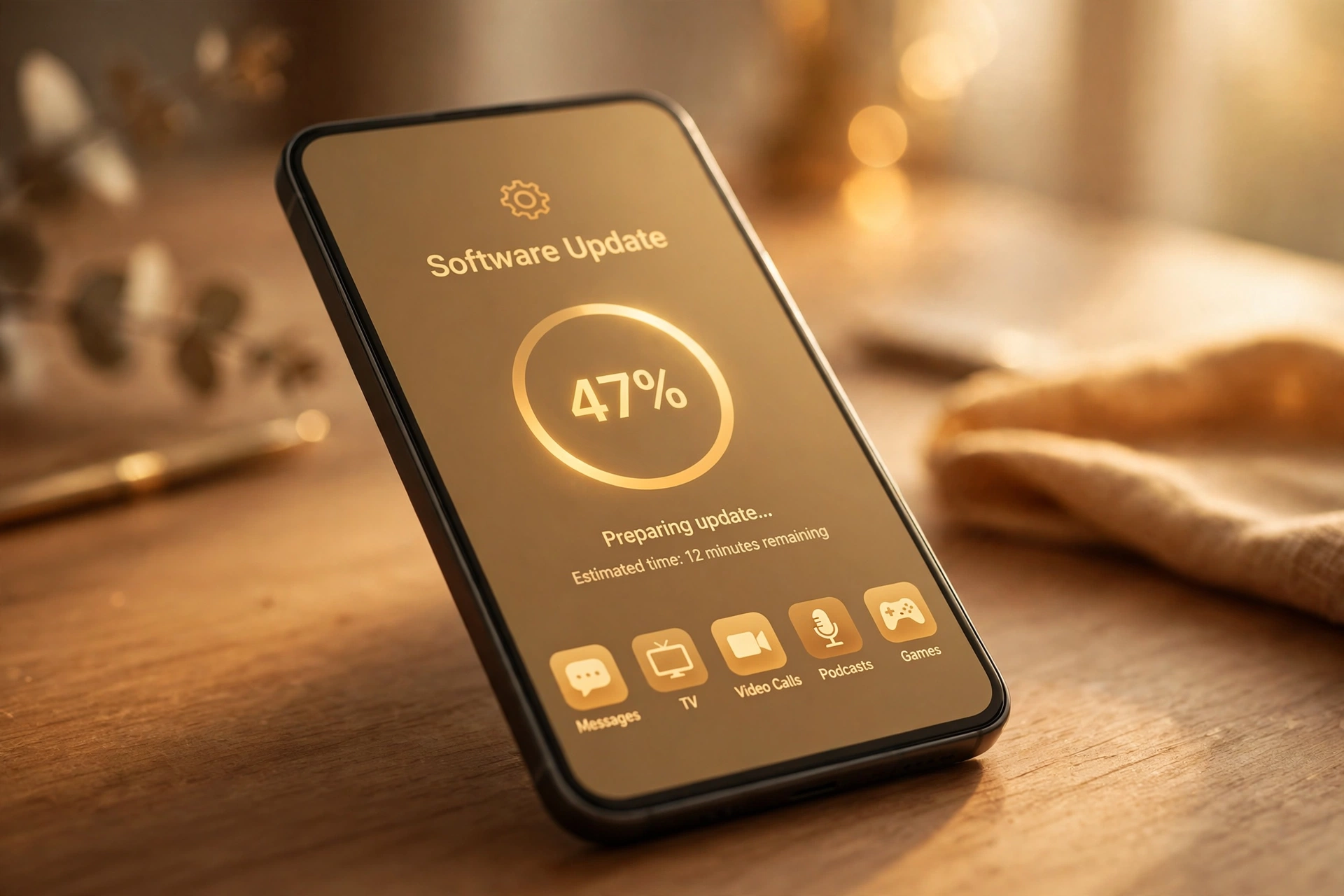
Once the iOS 27.2 new features land, expect the usual rollout: the update appears in Settings under General, then Software Update, and it may take a day to reach every region. Apple typically follows with smaller fixes if early users report problems.
Beyond this release, the open question is whether these features expand further: Dual Capture to more call types, profiles to other Apple media apps. For now, the three features above are the concrete changes to try.
Quick Answers
When do the iOS 27.2 new features arrive?
Next week, according to 9to5Mac. It has been in beta for about a month and ships to all users, unlike iOS 27.1, which stayed exclusive to the iPhone Duo.
Do I need a new iPhone for these features?
No. They arrive as a software update for existing iPhones, and Dual Capture works on compatible models that already support it in one-on-one calls.
Can I turn off the Apple TV profile screen?
Yes. If you are the only viewer, you can disable the profile selection screen from ever showing up again.
What happens to my old Podcasts queue?
The old Up Next section is replaced by New Episodes and Continue Playing, so your in-progress shows move into the Continue Playing hub.
Final Word
The iOS 27.2 new features are small on paper and useful in practice. Dual Capture makes group calls feel natural, Podcasts stops mixing new episodes with half-finished ones, and TV profiles give shared iPhones a sense of personal space. None of them will sell a phone on its own, but together they make the phone you already own a little better next week.