
Garmin Third-Party Apps Get Mic and Speaker Access: What Connect IQ 9.3 Changes
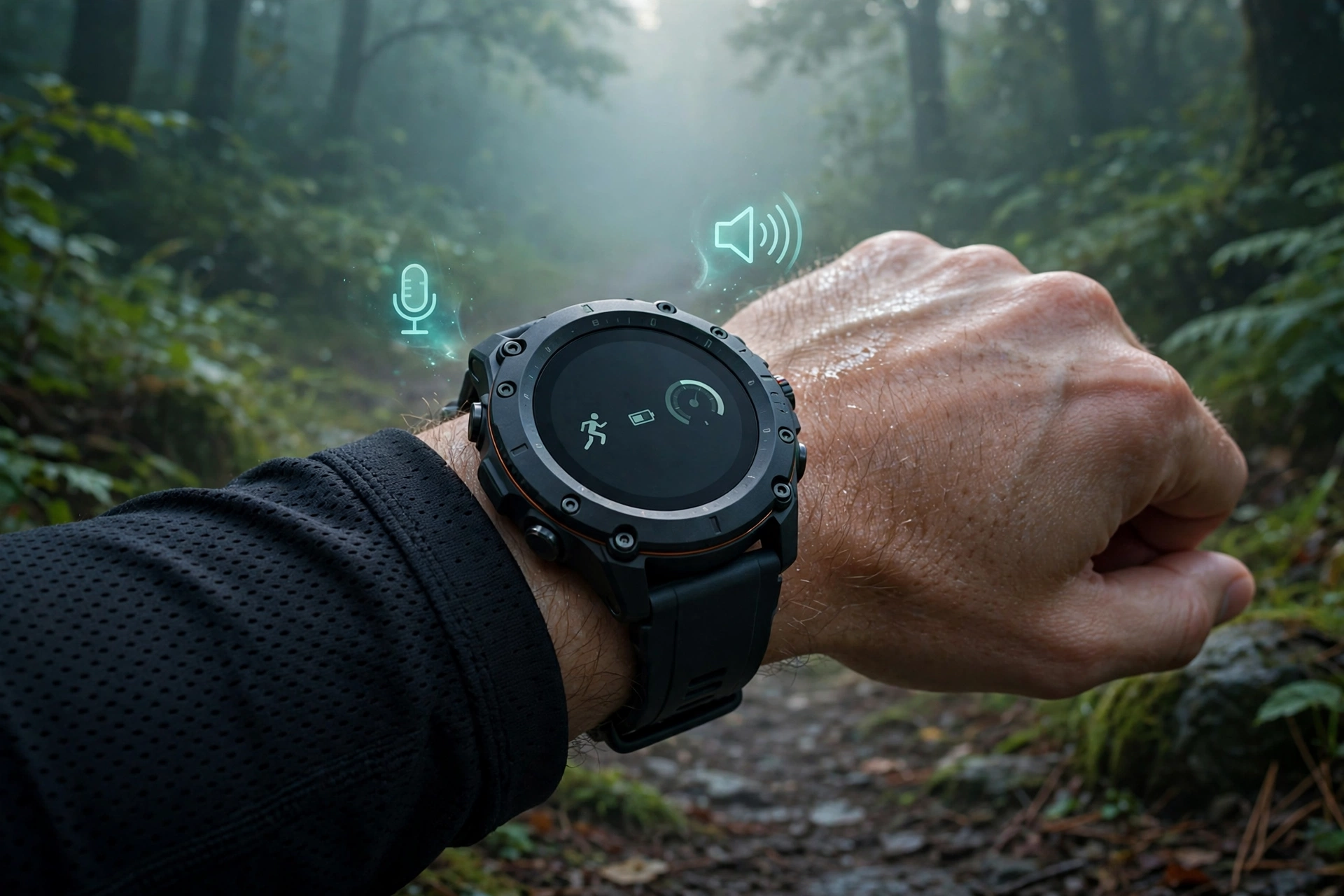
Garmin third-party apps mic speaker access is now documented in Connect IQ SDK 9.3, opening hardware that outside developers could not previously use on supported watches. Garmin’s API documentation, updated October 19, 2026, describes new audio capture and output tools, plus LTE controls for watches that carry it. Android Police reported it on October 23, 2026, drawing on Android Authority and a detailed Garmin Rumors breakdown.
For owners, the point is easy to overstate. Nothing on your wrist changes today: the tools only matter once developers rebuild apps with SDK 9.3 and pass Connect IQ Store review. Until then, mic and speaker stay mainly Garmin’s own.
For developers, the shift is still meaningful. Garmin has long kept tight control over what outside apps can touch, shaping what the Connect IQ Store could offer. This update loosens part of that grip, while keeping limits around privacy, background use, and app types.
The Short Version
- Garmin third-party apps mic speaker access arrives via the new Audio module in Connect IQ SDK 9.3.
- Recording works only while the app is open on screen, in WAV or Ogg, with noise and echo filters.
- Playback covers bundled clips, generated audio, and streams, with volume control from 0 to 100.
- Separate permissions cover recording and playback; watch faces and data fields cannot use these tools.
- LTE controls cover fewer watches, and Garmin has not confirmed app web traffic over LTE.
- Covered watches are mostly newer, higher-end models; the Edge 1060 is not on the audio list.
Garmin third-party apps mic speaker access: what the new APIs do
The microphone side is the Audio Capture API. Per Garmin Rumors’ reading of Garmin’s docs, apps can record in WAV or Ogg, as uncompressed LPCM or compressed Opus, at 8 to 44.1 kHz, in mono or stereo, with noise reduction and echo cancellation filters. Audio arrives in chunks, so apps can process speech while the wearer is still talking.
That streaming detail makes voice features plausible: a voice note app could handle speech at once, a coaching app could react to a spoken command mid-run, and a messaging tool could pass speech on for transcription. Any such service would be the developer’s choice, not a Garmin feature, with separate privacy terms.
The speaker side is the matching Audio Output API. An app can play a packed-in clip, audio it generates while running, or a stream fed piece by piece, such as audio from its own service. Developers get play, pause, resume, seek, and volume controls, plus position and state updates. Two limits matter: Garmin provides no text-to-speech tool, so apps must supply their own audio, and the docs do not say whether playback can route to Bluetooth headphones instead of the speaker.
The privacy guardrails, stated plainly
Garmin third-party apps mic speaker access is fenced in by design, and the fences matter more than the headline. Recording works only while the app is open on screen, with a documented error for background attempts. That means no always-listening assistant, no background voice trigger, and no passive capture.
Permissions add a second layer: recording needs AudioInput and playback needs a separate AudioOutput permission. Garmin lists the tools for watch apps, glances, and audio content provider apps only; watch faces and data fields cannot use them. Owners should still read each app’s privacy policy, because the on-screen rule controls when recording happens, not what a developer does with captured audio.
Garmin third-party apps mic speaker access: which watches qualify
Compatibility is narrower than a claim that Garmin watches now support the feature. The Fenix list covers the Fenix 8 in all sizes including Solar, Pro, and MicroLED, the Fenix 8 Pro, the Fenix 9 and 9 Pro including Pro Solar, and the Fenix E. Forerunner coverage is the 70, 170, 170 Music, 570, and 970; Venu and vivoactive coverage is the Venu 4, Venu X1, and vivoactive 6, plus the D2 Air X15.
The rest covers the Enduro 3 and 4, MARQ Gen 3, D2 Mach 2 and Mach 2 Pro, and Approach S72. Older, cheaper watches are absent, which fits the hardware reality: an API cannot conjure a mic or speaker a watch lacks. Apps must check hardware support first, Garmin Rumors stresses. One absence stands out: the Edge 1060 bike computer, launched the same week with a microphone, is not listed, so its voice control stays Garmin-only for now.
The LTE twist, and what remains unproven
Garmin third-party apps mic speaker access is only part of SDK 9.3: the same release adds LTE controls for a smaller group. An app can check whether LTE can be used and learn why not: turned off, airplane mode, region unavailable, modem on standby, still searching, or reduced frequency mode. Two more calls switch it on and off. LTE checks are listed for the Fenix 8 Pro (47mm, 51mm, MicroLED, plus quatix 8 Pro), the Fenix 9 and 9 Pro, and MARQ Gen 3.
Garmin’s notes say an app-enabled LTE connection shuts off when the app closes or goes inactive, or after five minutes without a web or image request. That timer suggests data over LTE is the intent, but intent is not confirmation: web request docs still describe Wi-Fi or a phone over Bluetooth, and the SDK 9.3 release notes do not mention LTE at all. Until Garmin states it plainly, treat a third-party app on a Fenix 9 Pro out of phone range as offline. Version 9.3 also adds SatIQ GPS modes, with no satellite messaging or inReach access.
The Bigger Picture
Garmin third-party apps mic speaker access matters for what it says about Garmin’s platform, not just one API. Garmin watches are praised for fitness tracking and battery life, with a polished first-party experience. The Connect IQ Store, by contrast, has long felt thinner than Wear OS and Apple Watch stores, a gap Android Police’s author notes bluntly. That gap is not entirely developers’ fault: locked-away hardware only allowed faces, data fields, and simpler utilities.
Opening audio gives developers reason to attempt richer ideas, from voice notes and spoken coaching to custom alerts that keep the phone in a pocket. More access alone does not guarantee better apps, as the store’s recent flood of low-effort AI-generated apps shows, and reports note long approval queues after a submission surge. Garmin third-party apps mic speaker access will therefore be judged over months by the first apps that use it well, not by the announcement. Garmin closes a specific gap while keeping stricter guardrails.
What to Watch Next
Watch for the first updated apps, and for two clarifications on Garmin third-party apps mic speaker access: whether app web requests can travel over app-enabled LTE, and whether playback can route to Bluetooth headphones as well as the speaker. Owners of listed watches need do nothing now: no setting, no purchase. New audio support should trigger an explicit permission request, and owners of older watches should wait for the apps they want before considering an upgrade.


Quick Answers
Can third-party Garmin apps use the microphone now? With Garmin third-party apps mic speaker access, yes on supported watches, once developers update their apps with SDK 9.3 and request AudioInput permission. Recording works only while the app is open on screen.
Can third-party apps play sound through the speaker? Yes, through the Audio Output API with a separate AudioOutput permission. Garmin provides no text-to-speech tool in the documented API.
Which watches are covered? Garmin third-party apps mic speaker access is listed for recent Fenix, Forerunner, Venu, vivoactive, Enduro, MARQ Gen 3, D2, and Approach S72 models named here. Listing alone does not prove a watch has both a mic and a speaker.
Does this mean my watch works without my phone? Not on current evidence. LTE controls exist for a few models, but Garmin has not confirmed third-party app web traffic over LTE, so do not assume phone-free internet yet.
The Takeaway
Garmin third-party apps mic speaker access is a real platform change with narrow boundaries: documented recording and playback on supported watches, LTE controls on a smaller set, background recording blocked, and watch faces excluded. Owners should judge the apps, not the announcement, and check what any voice app does with captured audio before granting access. Sources: Android Police and Garmin Rumors on Garmin’s Connect IQ API documentation.


